Permissions
How to Revoke Microphone Access on Android (Step by Step)
If you've ever felt like your phone is listening to you, the fix takes about ninety seconds.

By Adrián Vega
Published 18 February 2026 · Updated 24 June 2026 · 6 min read
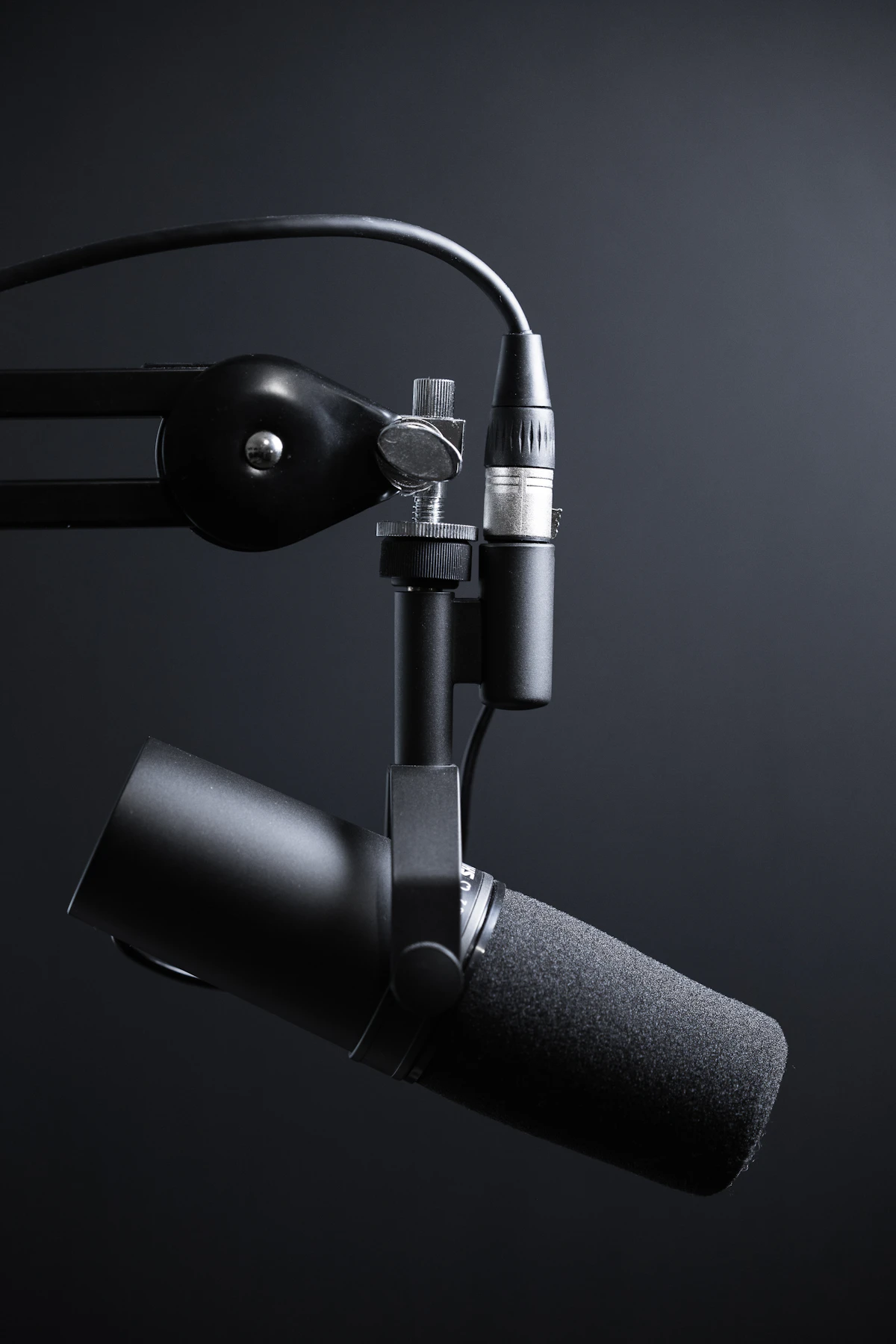
We’ve all had that creepy moment where we talk about wanting a specific type of pizza and suddenly, five minutes later, an ad for that exact shop pops up on social media. While Google insists they aren't "listening" in the way we think, it's still unsettling to know how many apps have a direct line to your phone's microphone. On my own Pixel, I recently found a simple barcode scanner app that had microphone permissions for absolutely no reason. It took me thirty seconds to shut it down, and it gave me a lot more peace of mind during my day-to-day conversations.
The global microphone toggle

The fastest way to handle microphone privacy is a feature Android introduced a few versions back: the global kill switch. Think of this like the physical mute button on a laptop. When you flip this switch, the microphone is electronically disconnected from every single app on the phone. This is perfect for when you're heading into a sensitive meeting or just want some guaranteed privacy. To find it, swipe down twice from the top of your screen to open your Quick Settings. Look for a tile labeled "Mic access."
If you don’t see it there, tap the pencil icon (edit) and drag the "Mic access" tile up into your active grid. Now, you can just tap it to turn it off. When it's off, it turns grey or crossed out. The best part? This setting survives a reboot. If you turn it off and your phone restarts, it stays off. I keep mine in the very first row of my Quick Settings. One afternoon, I realized I’d left it off and tried to take a phone call; the phone actually prompted me with a popup asking if I wanted to unblock the mic so the other person could hear me. It’s a very effective safety net.
Per-app microphone control
While the global switch is great for short-term privacy, you really want to clean up which apps have access on a permanent basis. You don't want to have to remember to toggle the global switch every time you use the phone. To do a deep dive, go to Settings > Security & privacy > Privacy > Permission manager > Microphone. On Samsung One UI 6 or 7, the menu looks almost identical, just follow Settings > Security and privacy > Privacy > Permission manager.
On this screen, Android breaks apps down into categories. "Allowed all the time" is the most dangerous group, but honestly, in modern Android, almost no apps should be there. Most should be in "Allowed only while in use." When I checked mine last week, I had 14 apps with microphone access. I realized my banking app had it—why? I’ve never used a voice feature in my bank app. I tapped it and hit "Don't allow." If I ever need to use a voice search in that app later, it’ll just ask me again. Don't be afraid to be aggressive here. If you aren't 100% sure why an app needs to hear you, revoking access is the safest move.
Reading the green mic indicator

Android 12 and later has a "privacy indicator" that is incredibly helpful. Whenever an app starts using your microphone, a tiny green dot appears in the top-right corner of your screen (right by the battery icon). It’s subtle, but once you know it’s there, you’ll start seeing it everywhere. If you see that dot and you aren't on a call or using a voice-to-text feature, something is fishy. You can actually swipe down on the notification shade while that green dot is visible, and Android will tell you the exact name of the app currently using the mic.
One thing that surprised me when I first started watching for this: the green dot flickers for a split second when you use Google Assistant or even some camera apps. That’s normal. What isn't normal is seeing it stay lit while you're just scrolling through a news feed. One limitation to keep in mind: if you use "Hey Google" or "OK Google" hotword detection, your microphone is technically "listening" for that specific phrase all the time. To truly stop all listening, you’d need to disable the Assistant voice trigger in Settings > Google > Settings for Google apps > Search, Assistant & Voice. For me, that was one step too far—I like my hands-free timers while cooking—but it's the only way to be 100% "silent."
Key takeaways
- Quick Settings has a system-wide microphone kill switch.
- A green dot in the status bar means an app is actively using the mic.
- Per-app control lives in Settings > Privacy > Permission manager.
Frequently asked questions
- Does Google Assistant still work if I disable the mic?
- Only if you re-enable it. The system toggle blocks everything, including always-on hotword detection.
References & further reading
Continue reading
Related guides

Android App Permissions Explained: A Complete 2026 Guide
A plain-language walkthrough of how Android's permission system actually works in 2026 — and the five settings most people should change today.
7 min read · Updated 24 Jun 2026

Using the Android Privacy Dashboard: A 24-Hour Audit Tool
A 24-hour timeline of every sensitive permission used on your phone — built into Android since version 12.
7 min read · Updated 24 Jun 2026

Clipboard Privacy on Android: Stop Apps from Reading Your Copies
Anything you copy — passwords, addresses, OTPs — could be read by any app in the foreground. Android now tells you when it happens.
7 min read · Updated 24 Jun 2026