Location
Approximate vs Precise Location on Android: Which to Use
Android lets you give most apps a fuzzy version of your location. Here's when that's the right choice.

By Adrián Vega
Published 10 March 2026 · Updated 24 June 2026 · 7 min read
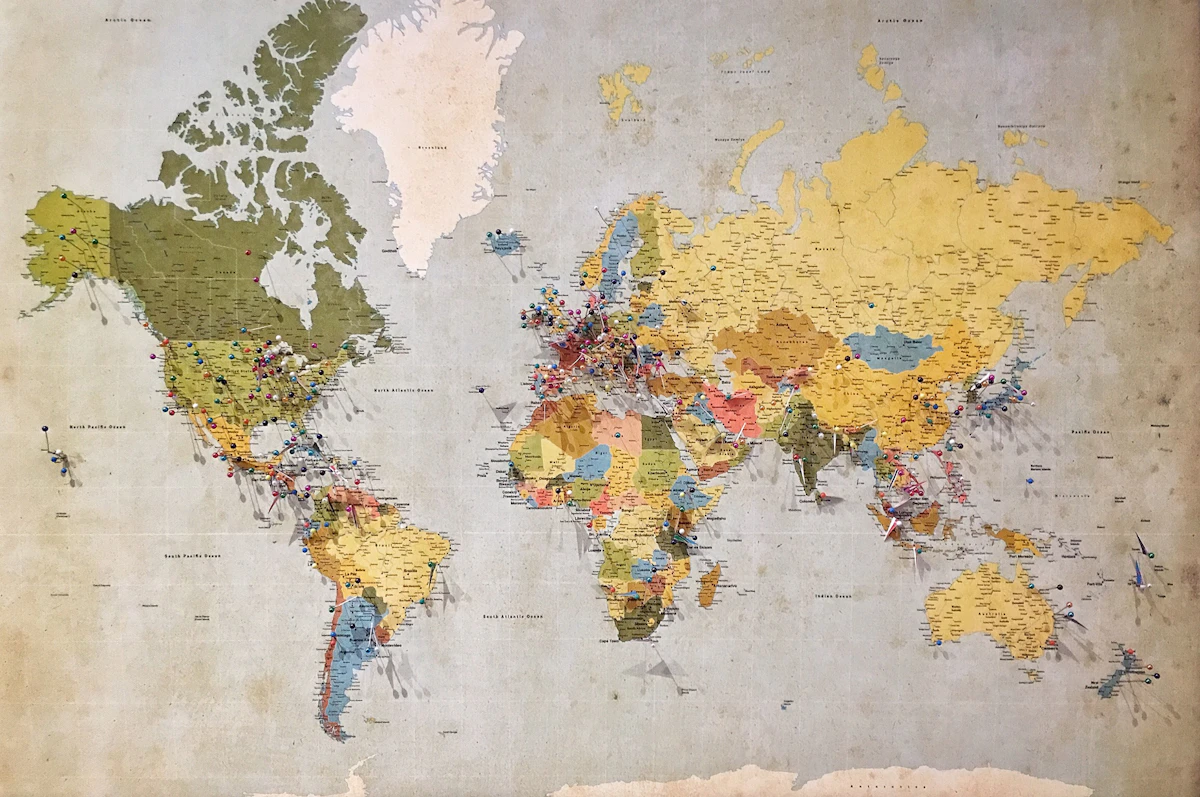
For the longest time, Android location access was all-or-nothing. If an app like a local news station wanted to show you the local forecast, you had to give it your exact GPS coordinates, down to the very meter you were standing on. It felt like overkill. Since Android 12, though, we’ve had a choice between "Approximate" and "Precise." The first time I saw the prompt, I wasn't sure if "Approximate" would just break the app. After experimenting with it on my own phone for a few months, I've realized that 90% of the apps I use don't actually need to know exactly where I'm sitting.
What approximate location actually means

When you grant an app "Precise" location, it uses everything—GPS, Wi-Fi chips, cell tower triangulation, and even Bluetooth—to pinpoint you within a few meters. It's incredibly accurate. "Approximate" location, on the other hand, is much more vague. Instead of your exact spot, Android "fuzzes" the data. It places you inside a grid cell that is roughly 3 kilometers (about 1.8 miles) wide. The phone then rotates your reported position within that grid every so often so the app can't "guess" your true center point.
Think of it like this: Precise location is like giving someone your home address and your apartment number. Approximate location is like telling someone which neighborhood you live in. It’s enough information for a weather app to know if it's going to rain on you, or for a fast-food app to show you the nearest three locations, but it’s not enough for someone to track you to your front door. It’s a powerful layer of anonymity that most people skip over because "Precise" sounds like the "better" option. In reality, "Approximate" is often the smarter one.
When approximate is enough
I went through my app drawer and realized how many things I was over-sharing with. Take social media, for example. If you’re posting a photo of your dinner, the app doesn't need your exact GPS coordinates to tagged the city or a general area—Approximate is plenty. Same goes for shopping apps. They just need to know your ZIP code to tell you if an item is in stock. I switched my Target and Amazon apps to Approximate, and they work exactly the same as they did before.
Here’s a quick list of app categories where Approximate is usually "enough":
- Weather apps: Your forecast doesn't change from one street to the next.
- News apps: They just need to know your general metro area.
- Dating apps: Most people are fine with a "2 miles away" radius anyway.
- Restaurant discovery & Retail: Unless you're using them for walking directions, they just need the general vicinity.
How to switch

If you want to go back and change your settings for apps you've already installed, it’s an easy fix. You don't have to wait for the app to ask again. The fastest way is to find the app icon on your home screen or in the app drawer and long-press it. Tap the "i" icon (or "App info"). From there, go to Permissions > Location. You’ll see a toggle for "Use precise location." Just flip it off.
If you want to do a "bulk" audit, go to Settings > Security & privacy > Privacy > Permission manager > Location. This shows you every app with access. I did this yesterday and found that my favorite local coffee shop's loyalty app had "Precise" access. I switched it to "Approximate" right there in the menu. One small caveat to be aware of: some apps are coded poorly and might detect that you’ve restricted them. You might get a little popup saying "This app works better with precise location." Ninety percent of the time, that’s a bluff. Just hit "No" or ignore it. If the app actually fails to do what you need, you can always go back and flip the switch back on—but you’ll be surprised how rarely you actually need to.
Key takeaways
- Approximate location is a ~3km fuzzed coordinate.
- It's enough for weather, news, and most social apps.
- Only navigation and ride-sharing genuinely need precise location.
Frequently asked questions
- Does the app know I'm using approximate location?
- Yes — Android exposes that fact, so apps that want to nag you can. Most don't.
References & further reading
Continue reading
Related guides

How to Stop Android from Tracking Your Location (2026)
Location is the most sensitive sensor on your phone. Here are the four settings that matter and the order to change them in.
7 min read · Updated 24 Jun 2026

How to Delete Your Google Maps Timeline (and Keep It Off)
Maps Timeline is a private map of everywhere you've been. Here's how to wipe it and prevent it from coming back.
6 min read · Updated 24 Jun 2026
Approximate vs Precise Location on Android: When to Use Each
Most apps that ask for location don't need GPS-level accuracy. Approximate is usually enough.
7 min read · Updated 24 Jun 2026